On this page (18)
- AI Live Chat for Ecommerce Stores That Turns Visitors Into Buyers
- What Is AI Live Chat for Ecommerce?
- Why Online Stores Need Live Chat More Than Ever
- How AI Live Chat With Human Handoff Works
- Order Lookup for Shopify and WooCommerce Stores
- Live Translation for Stores That Sell Across Borders
- Take Payments Inside the Conversation
- Automation Flows That Run Without Engineering
- Departments and Shared Inbox for Team Handoffs
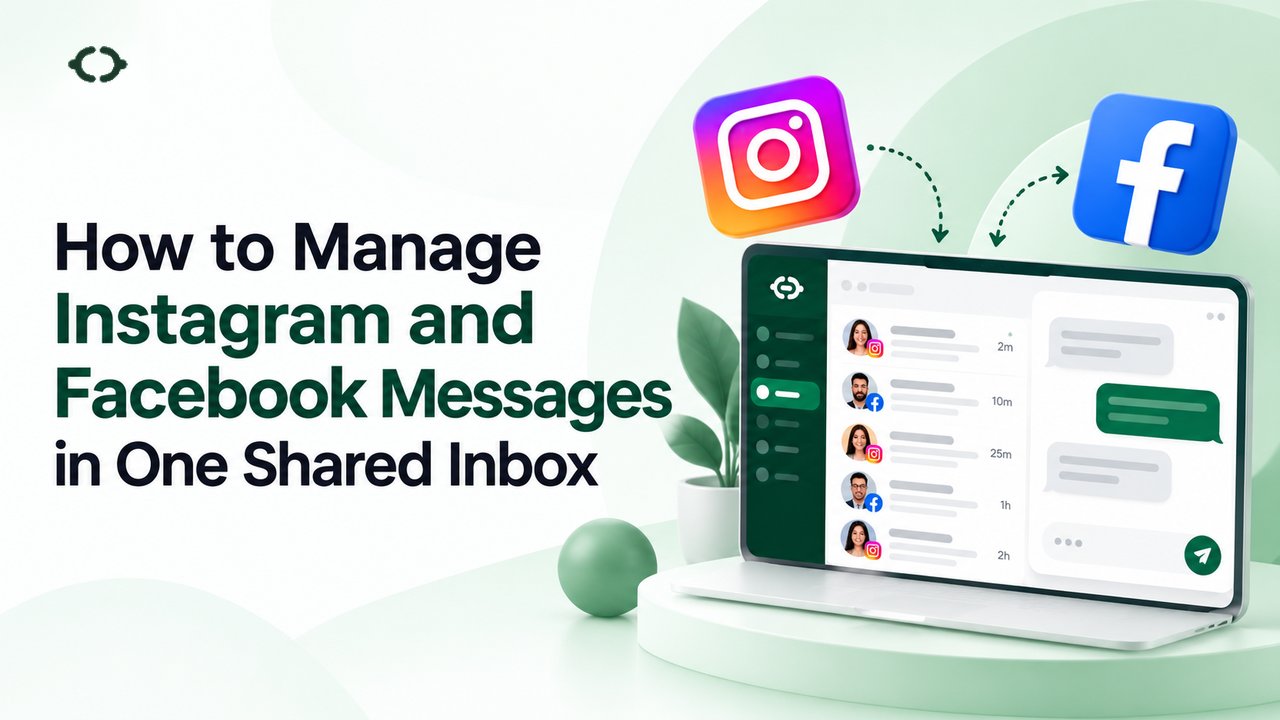
- Facebook and Instagram Messaging in the Same Inbox
- Analytics That Show What Customers Actually Ask
- Three Ecommerce Use Cases That Pay Off Quickly
- How to Choose the Right AI Live Chat Tool
- KonnectBot Pricing for Ecommerce Teams
- How to Set Up AI Live Chat on Your Store
- Common Mistakes to Avoid
- Final Thoughts
- Frequently Asked Questions
AI Live Chat for Ecommerce Stores That Turns Visitors Into Buyers
Picture a shopper on your product page at 11 p.m. She likes the jacket, but she is not sure about sizing or how long delivery takes to her city. Your support team is offline. She opens another tab, finds a similar jacket from a store that answers in seconds, and your sale is gone.
This happens every day in online retail. The Baymard Institute, which has compiled 50 studies on the topic, puts the average cart abandonment rate at 70.22%. Roughly seven out of ten carts never turn into orders. Some of those shoppers were only browsing. Many others had a question nobody answered in time.
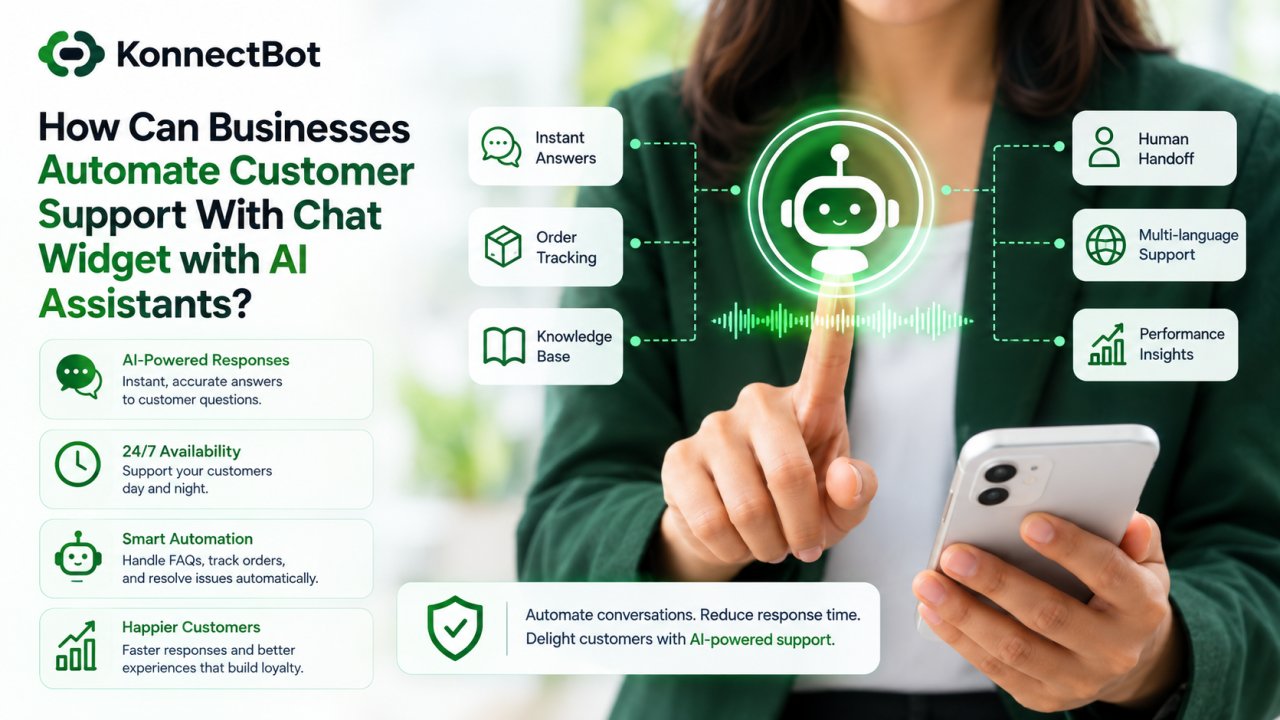
AI live chat for ecommerce is built for that gap. It answers common questions instantly, looks up order details, speaks to shoppers in their own language and brings in a human when the conversation needs one. In this guide you will learn how it works, which features matter for an online store, what to avoid and how to set it up without a developer.
What Is AI Live Chat for Ecommerce?
AI live chat is a chat widget on your store that combines two things that used to be separate: an automated assistant and a team of human agents.
The AI assistant handles repeat questions such as shipping times, return rules, sizing, stock and pricing. A human agent takes over when a shopper needs judgment, negotiation or reassurance. Both work from the same conversation, so the customer never has to repeat themselves.
This is different from a classic chatbot. Older bots followed rigid scripts and often trapped people in loops. They also differ from traditional live chat, where every message depends on an agent being online. A hybrid setup gives you the speed of automation and the trust of a real person.
For an ecommerce store, a good AI live chat tool should do five things:
- Answer routine questions at any hour
- Show agents order and customer context inside the chat
- Hand off to a human without losing history
- Support shoppers in more than one language
- Let customers move from question to payment without leaving the thread
KonnectBot is built around exactly this model, with a shared inbox for sales and support, AI-assisted replies, human handoff, live translation and store integrations in one place.
Why Online Stores Need Live Chat More Than Ever
Online shoppers compare options in minutes. If they cannot get an answer quickly, they leave. Three problems show up again and again.
1. Unanswered pre-sale questions. Shoppers ask about fit, materials, compatibility, delivery dates and return policies before they pay. If the answer is buried in a policy page, many will not look for it.
2. Support that closes when the team does. A store selling to several time zones is always open somewhere. A team that works nine to five cannot cover that.
3. Agents stuck on repeat questions. When your best people spend the day answering “where is my order?”, they have no time left for high-value conversations such as bulk orders, custom requests or upset customers.
Baymard estimates that about $260 billion in orders in the US and EU could be recovered through better checkout design. Live chat is not a checkout redesign, but it attacks the same leak from another angle. It removes doubt at the exact moment a shopper hesitates.
How AI Live Chat With Human Handoff Works
The best way to understand the setup is to follow one conversation from start to finish.
Step 1: The AI answers first
A visitor opens the chat widget and asks, “Do you ship to Dubai, and how long does it take?” The AI assistant, trained on your own content, replies within seconds. There is no queue and no “please wait for an agent” message.
Step 2: The AI qualifies and guides
If the visitor shows buying intent, the assistant can ask a follow-up, suggest a product, share plan or price details, or offer to book a call. In KonnectBot’s own product demo, the assistant shares plan options and books a specialist for a 15-minute walkthrough inside the same thread.
Step 3: A human joins with full context
When the question becomes complex, such as a custom order, a damaged item or a negotiation, the conversation moves to a person. The agent sees the entire chat history, so the customer does not need to start over. Repeating yourself is one of the most irritating parts of bad support, and handoff with context removes it.
Step 4: The conversation ends with action
The thread can end with an order check, a booked call, a discount code or a payment link. The goal is not just to answer. It is to move the shopper to the next step.
Order Lookup for Shopify and WooCommerce Stores
“Where is my order?” is the most common support question in ecommerce, and it is also the easiest to automate well.
When a chat tool connects to your store, the agent or assistant can see order history, tracking status and inventory context directly in the conversation. No more switching between your helpdesk, your store admin and a shipping portal.
KonnectBot connects to both major platforms:
- Shopify. Real-time order sync, inventory updates, customer history and in-chat payments. See the Shopify integration for setup details.
- WooCommerce. A WordPress plugin that brings in product queries, order status, shipping tracking and payment status. See the WooCommerce integration.
Store integrations are included on the Pro plan and above.
Here is why this matters in practice. A customer who asks about a late parcel does not want a promise that someone will “look into it.” They want to hear the status now. When the agent can see the order inside the chat, the answer takes seconds instead of minutes.
Live Translation for Stores That Sell Across Borders
Selling to customers in other countries is easier than ever. Supporting them is where many stores struggle.
Research from CSA Research, which surveyed 8,709 consumers across 29 countries in 2020, found that 76% prefer to buy products with information in their own language. The same study found that 40% will not buy from websites in other languages. It also found that 75% are more likely to buy from the same brand again if customer care is in their language.
These numbers come from a survey sponsored by a language research firm, so treat them as a strong signal rather than a guarantee for your own store. Still, the direction is clear: language affects both the first sale and the repeat purchase.
Hiring a native speaker for every market is not realistic for most small and mid-sized stores. Live chat translation fills the gap. With KonnectBot, incoming and outgoing messages are translated on the fly, and the system detects the visitor’s language from the first message. A shopper can write in Spanish while your agent reads and replies in English. See how it works on the features page.
Live translation is part of the Pro plan.
Take Payments Inside the Conversation
Many sales are lost in the gap between “yes, I want it” and “the checkout page loaded.”
In-chat payments close that gap. When a customer is ready, the assistant or agent sends a secure payment form in the same thread. The customer pays without hunting for a link or restarting the process.
On KonnectBot, this is available on Pro and Enterprise. Card details stay with your payment provider, and KonnectBot does not store raw card numbers. You can read more on the in-chat payments page.
This works especially well for:
- Custom or made-to-order products
- Quotes agreed over chat
- Upgrades and add-ons
- Repeat customers who already know what they want
Automation Flows That Run Without Engineering
Not every conversation needs AI reasoning. Some paths are best handled by a fixed, predictable flow.
A visual flow builder lets you design greetings, qualification questions, handoffs and follow-ups once and run them the same way every time. For example, you can build a flow that:
- Greets a first-time visitor
- Asks whether they need help with a new order, an existing order or a product question
- Routes order questions to Support and product questions to Sales
- Sends a follow-up if the chat goes quiet
KonnectBot includes an automation flow builder, and flows are available from the Starter plan. Explore the details on the automation flows page.
Departments and Shared Inbox for Team Handoffs
As a store grows, one inbox for everything becomes messy. Departments solve this by sending each chat to the right team: Sales, Support or Billing.
With KonnectBot, the Pro plan includes 5 departments and the Enterprise plan includes 20. Everyone works from one shared inbox, so conversations do not get lost between people.
Facebook and Instagram Messaging in the Same Inbox
Your customers do not only message you through your website. Many ask questions through Facebook Messenger and Instagram DMs, especially if they discover your products on social media.
KonnectBot brings web chat, Facebook Messenger and Instagram DMs into one inbox, so your team does not have to check three apps. Facebook and Instagram messaging is live on every plan, including Free.
Analytics That Show What Customers Actually Ask
Live chat is also a research tool. Every conversation tells you what confuses shoppers, which products raise questions and where your policies are unclear.
Useful numbers to watch include:
- Response time. How quickly do shoppers get a first reply?
- AI versus human volume. How many chats does the assistant resolve without an agent?
- Team performance. Which departments are overloaded?
- Conversation trends. Which questions repeat every week?
If “Does this come in blue?” appears fifty times a month, the answer belongs on the product page. Chat data turns into website improvements.
Three Ecommerce Use Cases That Pay Off Quickly
Before the sale
Answer sizing, compatibility, shipping and return questions in the moment the shopper has them. This is the highest-value use of chat for most stores, because it supports the buying decision directly.
During checkout
Offer help to shoppers who pause on the cart or checkout page. A short, well-timed message about delivery costs or return terms can remove the doubt that causes abandonment.
After the sale
Handle order tracking, delivery updates and return requests. This lowers your ticket load and builds the trust that brings people back.
How to Choose the Right AI Live Chat Tool
Not every tool fits every store. Use this checklist when you compare options.
| Question | Why it matters |
|---|---|
| Does it connect to your store platform? | Order context saves agent time |
| Does AI hand off to humans with full history? | Customers should never repeat themselves |
| Does it support live translation? | Important if you sell in more than one language |
| Can customers pay in the chat? | Shortens the path to purchase |
| Is pricing predictable? | Avoid surprise bills as volume grows |
| Which channels are supported? | Web, Facebook and Instagram in one inbox |
| What do the security pages say? | Check encryption and payment handling |
On the last point, be realistic. KonnectBot states that chats are encrypted in transit and that it does not store raw card numbers. It also states that a public SOC 2 report and a PCI certificate are not published on its site. If your business requires those documents, ask the vendor directly before you commit.
If you are comparing vendors, KonnectBot publishes side-by-side pages against tools such as Zendesk, Intercom and Tidio, so you can review the differences yourself.
KonnectBot Pricing for Ecommerce Teams
Pricing for AI chat tools can get confusing, so here is the plan structure in plain terms. Prices are monthly in USD and taken from the KonnectBot pricing page at the time of writing.
| Plan | Price | Agents | AI messages per month | Key extras |
|---|---|---|---|---|
| Free | $0 | 1 | 0 | 1 widget, Facebook and Instagram |
| Starter | $24.99 | 3 | 15,000 | Automation flows |
| Pro | $59 | 5 | 50,000 | In-chat payments, store integrations, live translation, 5 departments, branding removal |
| Enterprise | $199 | 20 | 100,000 | 20 departments, white label |
For most growing online stores, Pro is the plan that unlocks the full ecommerce toolkit: Shopify and WooCommerce lookup, translation and in-chat payments. Starter works for smaller teams that mainly need AI replies and flows. Larger teams can also ask about a custom plan through the enterprise page.
Every paid plan can be tested with a 14-day free trial, and no credit card is required to start.
How to Set Up AI Live Chat on Your Store
You do not need a developer team to get started. A typical setup looks like this:
- Create a workspace. Sign up and add your first chat widget to your site.
- Train the assistant. Give it your shipping policy, return policy, FAQs and product information, so its answers match your business.
- Set up departments. Decide who handles Sales, Support and Billing.
- Connect your store. Link Shopify or WooCommerce so order data appears in chat.
- Build one or two flows. Start with a greeting and a simple routing flow.
- Add your team. Invite agents and let them install the Android agent app if they work away from a desk.
- Test, then publish. Run a few sample chats, check handoff, then go live.
KonnectBot says teams can be live the same day. Keep in mind that the agent mobile app is available on Android, and an iOS app is not published yet. If your team relies on iPhones, they can still use the web workspace.
Common Mistakes to Avoid
Letting the AI answer everything. Some topics need a person, such as complaints, refunds and high-value deals. Set clear rules for when the assistant should step aside.
Skipping the training content. An assistant is only as good as the information it has. Vague policies produce vague answers.
Hiding the human option. Shoppers should always be able to reach a real person. Make that path obvious.
Ignoring chat data. If you never review conversations, you miss the best source of product and policy feedback.
Over-promising on speed. Fast replies help, but a fast wrong answer is worse than a slightly slower correct one. Test the assistant on real questions before launch.
Final Thoughts
Online shoppers do not wait. They want fast answers, clear order information and help in their own language. AI live chat for ecommerce gives a store a way to deliver all three without hiring a round-the-clock team.
The strongest setups combine automation and people. Let the AI handle the repeat questions, let your agents focus on the conversations that win customers, and use chat data to improve your store over time.
If you want to see how this works on your own site, you can start a free 14-day trial of KonnectBot with no credit card, or book a 15-minute demo to walk through the setup with a specialist.
Frequently Asked Questions
What is AI live chat for ecommerce?
AI live chat for ecommerce is a chat tool on an online store that uses an AI assistant to answer common questions instantly and hands off to a human agent when needed. It usually connects to the store so agents can see order details inside the conversation.
How is AI live chat different from a chatbot?
A basic chatbot follows fixed scripts and often cannot handle unexpected questions. AI live chat pairs an AI assistant with human agents in one shared inbox, so the conversation can move to a person without losing context.
Does KonnectBot work with Shopify and WooCommerce?
Yes. KonnectBot connects to both Shopify and WooCommerce, so agents can see order history, tracking status and inventory context in the chat. Store integrations are available on the Pro plan and above.
Can I chat with customers who speak a different language?
Yes. KonnectBot offers live translation for incoming and outgoing messages and detects the visitor’s language from the first message. This feature is included on Pro and above.
Can customers pay inside the chat?
On the Pro and Enterprise plans, customers can pay in the same thread. Checkout is completed by your payment provider, and KonnectBot does not store raw card numbers.
Is there a free plan?
Yes. The Free plan costs $0 and includes 1 agent, 1 widget and Facebook and Instagram messaging. It does not include AI messages. Paid plans start at $24.99 per month, and there is a 14-day free trial with no credit card.
Can my agents answer chats from their phones?
Agents can use the web workspace or the Android app. An iOS app is not published at this time.